> For the complete documentation index, see [llms.txt](https://espergames.gitbook.io/inventool/llms.txt). Markdown versions of documentation pages are available by appending `.md` to page URLs; this page is available as [Markdown](https://espergames.gitbook.io/inventool/quick-start/installation.md). Agents can also search and read this documentation through its [MCP server](https://espergames.gitbook.io/inventool/~gitbook/mcp).
# Installation
How to install Inventool in your Unity project.
## Asset Store
{% hint style="danger" %}
If you have any version of v1 already installed, you **will** need to remove it from your project before installing v2.
{% endhint %}
### Installation Steps:
1. Get Inventool from the [asset store](https://u3d.as/3oVP).
2. Open your Unity project, go into `Window > Package Manager`, switch to `My Assets` from the packages dropdown at the top-left, and then type `Inventool` in the search bar.
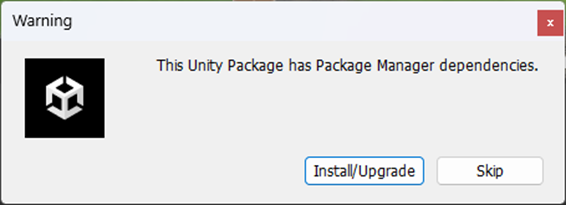
3. Download and import the package. You may be prompted to install package manager dependencies. If so, click `Install/Upgrade`.